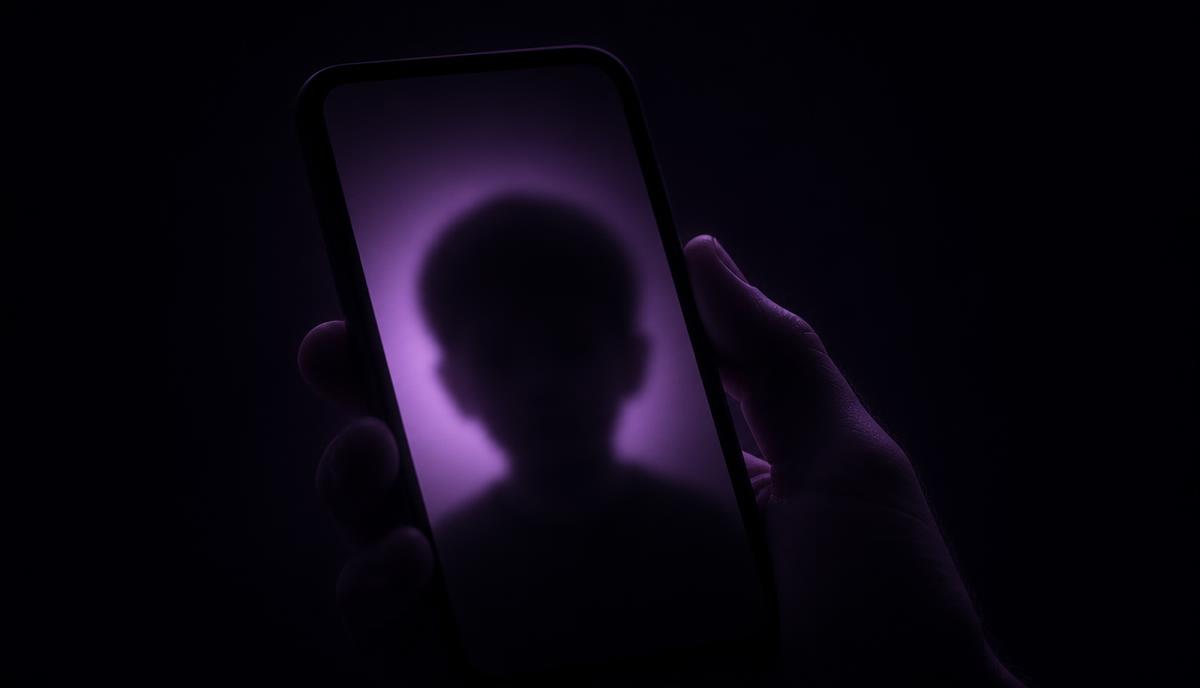
A parent posts a first-day-of-school photo in what looks like a closed group. Twenty people they trust. A week later a cousin mentions seeing it somewhere else, or someone screenshots it and it turns up in a group chat nobody in the family is part of.
A breach is not required for this to happen. A recipient may save or share a copy beyond the original audience, even if the service restricts access to the original post.
That pattern repeats every day, and it is not a story about careless parents. It is a story about how the tools were built.
How most platforms actually work
Four areas deserve a closer look before sharing family photos.
Check the starting audience. Default audiences vary by platform, age, account and content type. Check the audience before posting instead of assuming a new account is either public or private.
Content is designed to be indexable. Depending on the platform and settings, profile photos, display names and public posts may be discoverable through search. That means a photo can be found by someone who was never looking for your family in particular.
Sharing is not something you control. Once a person can see an image, they can screenshot it, forward it, download it, or re-upload it. "Only friends can see this" describes visibility, not distribution.
The platform's incentive is reach. Recommendation systems are graded on engagement. Public or otherwise eligible content may be recommended beyond the audience a parent had in mind. Check which surfaces are eligible for recommendation; engagement alone does not make a private post public.
None of those four are bugs. They are the product.
What access-controlled actually means
"Private" is marketing. "Access-controlled" is an engineering claim, and it is testable. Three questions decide whether an app really has it.
Who can see this, exactly? For family sharing, prefer an audience whose membership you can review. Look for a clear audience setting and understandable membership rules. Access controls can exist without displaying an exhaustive list of every account, so inspect the actual rules rather than relying on a label.
Who can move it? Screenshots can never be fully prevented on any device, so the honest version of this question is narrower: does the app itself give people a one-tap way to rebroadcast your content outside the circle? A reshare button, a public link, a cross-post feature. Check whether a shared link gives new people access, or whether they must already have permission to view the original content.
What happens when someone leaves? This is the one almost nobody asks, and it matters most. When you remove a person from a family group, does their ability to view its content through the service end? Check the platform’s rules. Revoking access cannot recall copies they previously saved, downloaded, photographed or shared elsewhere.
What to check before you post
Five questions, worth about ten minutes on any app you already use for family sharing.
- What is the default audience for a new post? Create a test post with no photo and look at the audience selector before you change anything. Whatever it says is what your least technical family member is publishing to.
- Is my profile photo and display name public? Visibility varies by platform and account settings; check what a stranger can see. Check whether your kid's face is your avatar.
- Can content be reshared out of the group by the people in it? Look for a share, repost, or "send to" button on your own post. Check whether the feature creates a new copy or expands access, or whether recipients still need permission to view the original. A share button alone does not answer that question.
- Is there a searchable or algorithmic surface? Search the app for your own name from a logged-out browser session. What comes back is what a stranger can get.
- What does the privacy policy say about "partners" and advertising? Those terms are a reason to read further, not proof that a particular family photo is used for targeting. Check which data is used, for what purpose, and the exceptions for the service and content involved. We wrote a longer breakdown of how to read those signals in what "you are not the product" actually means.
Use the answers to judge whether the service fits your family’s needs. Unclear audiences, unrestricted copying and poorly explained data uses deserve closer scrutiny; no single policy keyword decides the result.
Why we are building Grav around these questions
Grav starts from the answer sheet above rather than retrofitting it. Private Feed content is restricted to its invited members within Grav. Recipients can still save or share copies outside the service. There is no public feed, no discovery surface pointed at your private posts, no reshare button that moves an image to an audience you did not choose. Remove someone from a Feed and their access through that Feed ends; previously saved or shared copies are not recalled. Messages are on your terms: you decide who can start a conversation with you, and Grav does not use private messages for advertising, profiling, sale, cross-app tracking, or training AI models. There are no ads, so there is no reason for us to profile anybody, and no advertising SDKs in the app to do it.
We are honest about the limit: no software can stop a person who can see a screen from photographing it. What software can do is refuse to hand out a bigger audience than you asked for. That is the part most apps decided not to do.
If you want the mechanism-level version, how Grav protects you walks through it. Or read the case for smaller audiences in private social media is not antisocial.
Keep reading
- The people we gravitate towardProduct
- Privacy Should Be ProvablePrivacy